

Marketplaces
Connect the marketplaces you sell on and their buyer messages arrive in Replyco as tickets, next to your mailboxes and messengers, with the marketplace order beside each ticket. Replyco connects Amazon, eBay, Etsy, OTTO, Kaufland, Fruugo and Wish. Each connection is one account in Replyco and labels every ticket it brings in, so your team sees at a glance which shop and which marketplace a buyer wrote through.
Marketplaces connect in two ways. eBay, Kaufland and Wish hand their messages to Replyco through their own interfaces, and your replies go back the same way. Amazon, Etsy, OTTO and Fruugo send buyer messages by email: Replyco creates an address for the account, and messages arrive once you give that address to the marketplace or forward the marketplace’s emails to it; orders still come through the marketplace’s interface. Every marketplace starts from + Add Account in the top bar. To connect a webstore such as Shopify instead, see Webstores; for mailboxes, see Mailboxes.
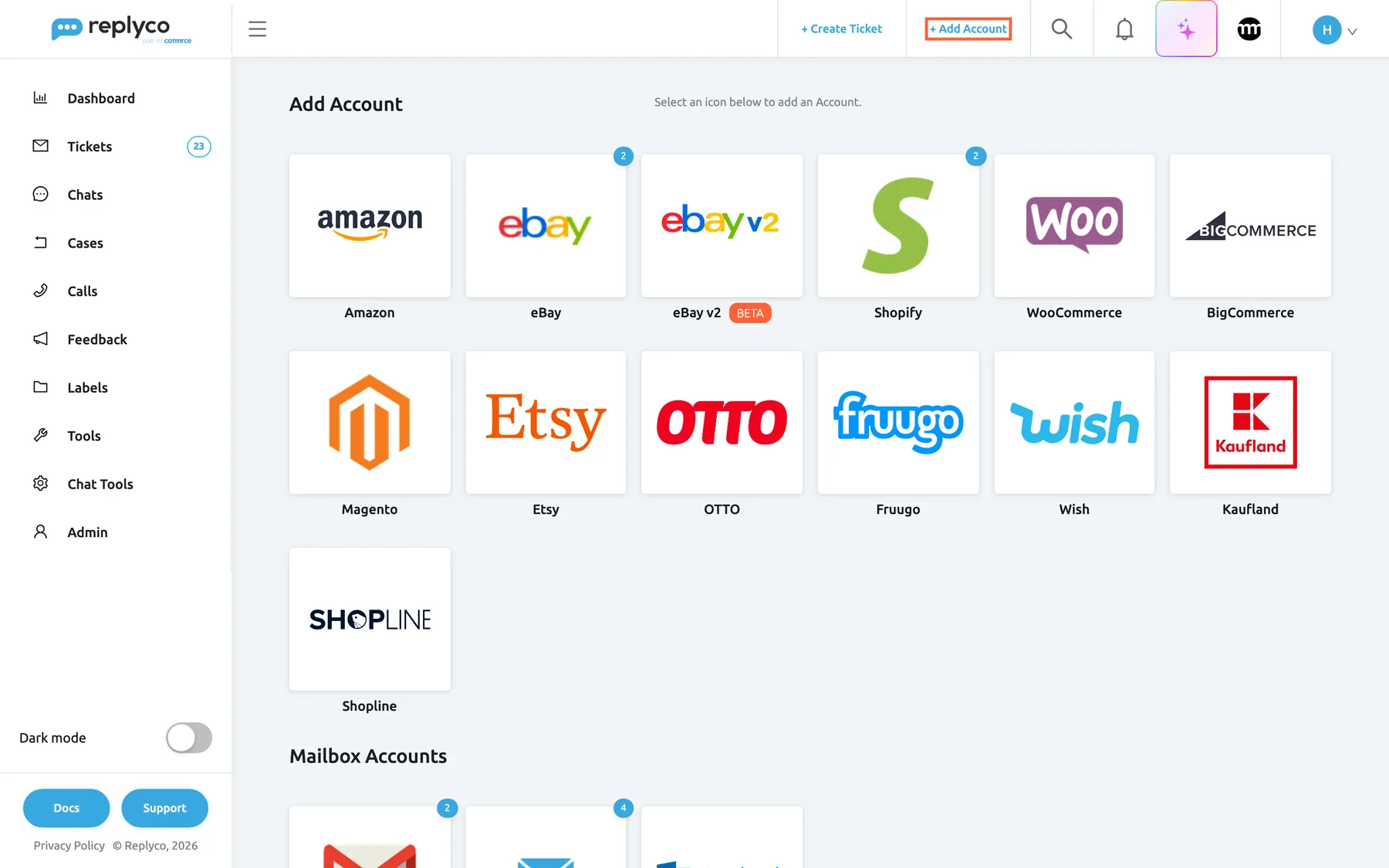
What this screenshot shows
- Screen
- Add Account (/integrations/add)
- Highlighted
- link “+ Add Account”, top-bar-right, enabled. opens the Add Account page
- Also visible
- marketplace and webstore tiles; badges with the number of connected accounts; Mailbox Accounts heading below
- Purpose
- where marketplaces are connected
The screens in this area
Section titled “The screens in this area”| Screen | What it is for |
|---|---|
| Add Account | One tile per marketplace, webstore, mailbox, order-management system and messenger; each tile starts its connect steps |
| Accounts | Every connected account with its sync status; open one to rename it, copy its Replyco address or log in again |
The marketplaces
Section titled “The marketplaces”| Marketplace | How it connects | What you can answer from Replyco | Guide |
|---|---|---|---|
| Amazon | Approval in Seller Central for your region, plus a Replyco address entered in Seller Central | The buyer messages Amazon allows a reply to | Connect Amazon |
| eBay | Sign-in with your eBay account | The messages eBay allows a reply to, up to 4000 characters | eBay |
| Etsy | Sign-in with your Etsy account, plus Etsy’s emails forwarded to a Replyco address | Nothing: Etsy tickets hold Etsy’s email notices; you answer on Etsy | Connect Etsy |
| OTTO | The Replyco app in OTTO’s partner portal, plus customer emails forwarded to a Replyco address | Every ticket, by email | Connect OTTO |
| Kaufland | The Client Key and Secret Key of your Kaufland Seller API access | Messages of open tickets Kaufland holds you responsible for | Connect Kaufland |
| Fruugo | Your Fruugo username and password, plus customer emails forwarded to a Replyco address | The customer enquiries Fruugo relays, by email | Connect Fruugo |
| Wish | Sign-in with your Wish merchant account | Replies in the customer’s ticket, as plain text without attachments | Connect Wish |
What you can do here
Section titled “What you can do here”- Connect a marketplace from its tile on the Add Account page; the guides in the table above walk through each one. Add Account.
- Check that an account syncs and when it last brought in messages and orders. Accounts.
- Answer marketplace buyers from the ticket; Amazon, eBay, Etsy, Fruugo and Kaufland decide per message whether a reply is possible, so some messages have no Respond button. Answer a ticket.
- Handle eBay returns, cancellations and cases without leaving Replyco. eBay.
- Bring a blocked or silent account back when a marketplace stops accepting Replyco’s access. Fix a blocked or silent account.
Concepts
Section titled “Concepts”- The Replyco address. For Amazon, Etsy, OTTO and Fruugo, Replyco creates a mailbox for the account; every email that reaches it becomes a ticket. Mailbox by forwarding explains how forwarding to it works.
- Replies decided by the marketplace. A marketplace can refuse replies to some messages, such as its own notifications. Replyco then shows no Respond button on them. Answer a ticket lists the cases.
Availability: every plan includes every marketplace and its orders; connecting a marketplace needs the Admin permission, and each connected account counts towards your plan’s number of accounts. Companies on an older plan may not have order sync; see What each plan includes.