

Order management systems
An order management system keeps your orders from every sales channel in one place. Replyco connects six of them: Linnworks, Billbee, Veeqo, ChannelAdvisor, Brightpearl and Katana. None of them brings messages. Customer messages still arrive through your marketplace, webstore and mailbox accounts, and the order management system adds its view of the order: its own order number, its status and details, and, depending on the system, its notes, tags or invoice. To connect the channels that bring the messages, see Accounts and integrations.
You connect an order management system like any other account, from + Add Account in the top bar, where the systems have their own group, Order Management System Accounts. Once one is connected, every ticket about an order it knows shows that system’s order number in Order Details, with icons to open the full order there or fetch it again. When a ticket has no order yet, the panel offers a field for each connected system, so an agent can type the order number and link the order by hand. To read the order panel in full, see The ticket screen.
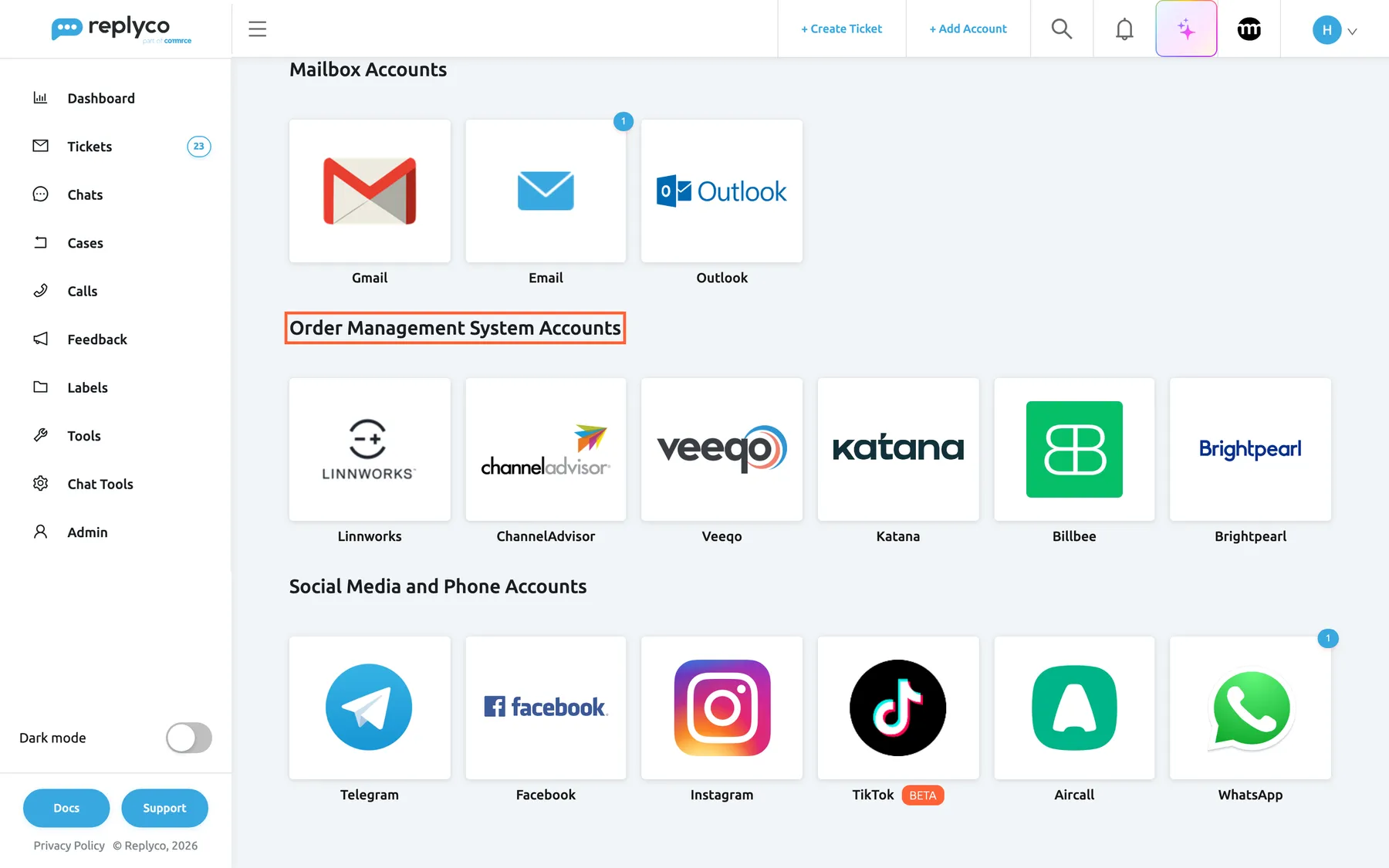
What this screenshot shows
- Screen
- Add Account (/integrations/add)
- Highlighted
- “”, oms-group-heading, shown. none
- Also visible
- Linnworks, ChannelAdvisor, Veeqo, Katana, Billbee, Brightpearl tiles
- Purpose
- where every order management system is connected
The screens in this area
Section titled “The screens in this area”| Screen | What it is for |
|---|---|
| Add Account | The six order management tiles and their connection steps |
| Accounts | Every connected account, including your order management system, with its status, unblock and delete |
| Linnworks settings | The Linnworks reference fields Replyco compares for each channel account; shown while Linnworks is connected |
| Billbee Configuration | The Billbee custom triggers your team can send to an order; shown while Billbee is connected |
| System | How you connect | What it adds beyond the order number |
|---|---|---|
| Linnworks | Install the Replyco app in Linnworks and paste its token | Order references per channel account, rule actions to tag, lock or park orders, markers on orders with open tickets, the invoice, notes both ways |
| Billbee | Your Billbee username and API password | Custom triggers from the ticket, Billbee tags, the invoice, Billbee’s seller comment as a note |
| Veeqo | Sign in to Veeqo and approve Replyco | The full Veeqo order |
| ChannelAdvisor | Sign in to ChannelAdvisor and approve Replyco | The full order with its products |
| Brightpearl | Pre-authorisation by Replyco support, then sign in to Brightpearl | The full order and notes both ways |
| Katana | Sign in to Katana and approve Replyco | The full sales order |
What you can do here
Section titled “What you can do here”- See the warehouse’s view of an order in the ticket, from Linnworks, Billbee, Veeqo, ChannelAdvisor, Brightpearl or Katana. Linnworks, Billbee, Connect Veeqo, Connect ChannelAdvisor, Connect Brightpearl, Connect Katana.
- Decide how Linnworks orders are recognised, account by account. Linnworks settings.
- Tag, lock or park a Linnworks order from a rule, the moment a customer asks to cancel. Linnworks.
- Start a Billbee rule on an order from the ticket with a custom trigger. Billbee Configuration.
- Keep order notes beside the order: bring in the notes from Linnworks, Billbee or Brightpearl, and with Linnworks and Brightpearl send your team’s notes back. Sync order notes with your order management system.
Concepts
Section titled “Concepts”- Linnworks explains how an order in Replyco is matched to an order in an order management system, by the channel’s order number or by a number in the ticket.
- Each system is connected once per company, and each takes one of the accounts your plan allows; see Stay within your plan’s number of accounts.
Availability: every plan includes all six systems. Connecting a system and opening AdminLinnworks settings or AdminBillbee Configuration need the Admin permission; see Invite users and set what they can do.